Desktop App · 2026
Dynamo a dynamic island for windows
I hated seeing Mac users turn their notch into a music player and then going back to Windows to hunt for the tab playing my song. I wanted a Dynamic Island on my desktop too. Dynamo is my take on it. I built on HeyyCzer’s open-source Island for Windows and gave the same patch of screen to the things I check while I work, from the current track to a coding agent waiting for permission.
- Tauri
- Rust
- React
- TypeScript
- Motion
- Astro
Problem
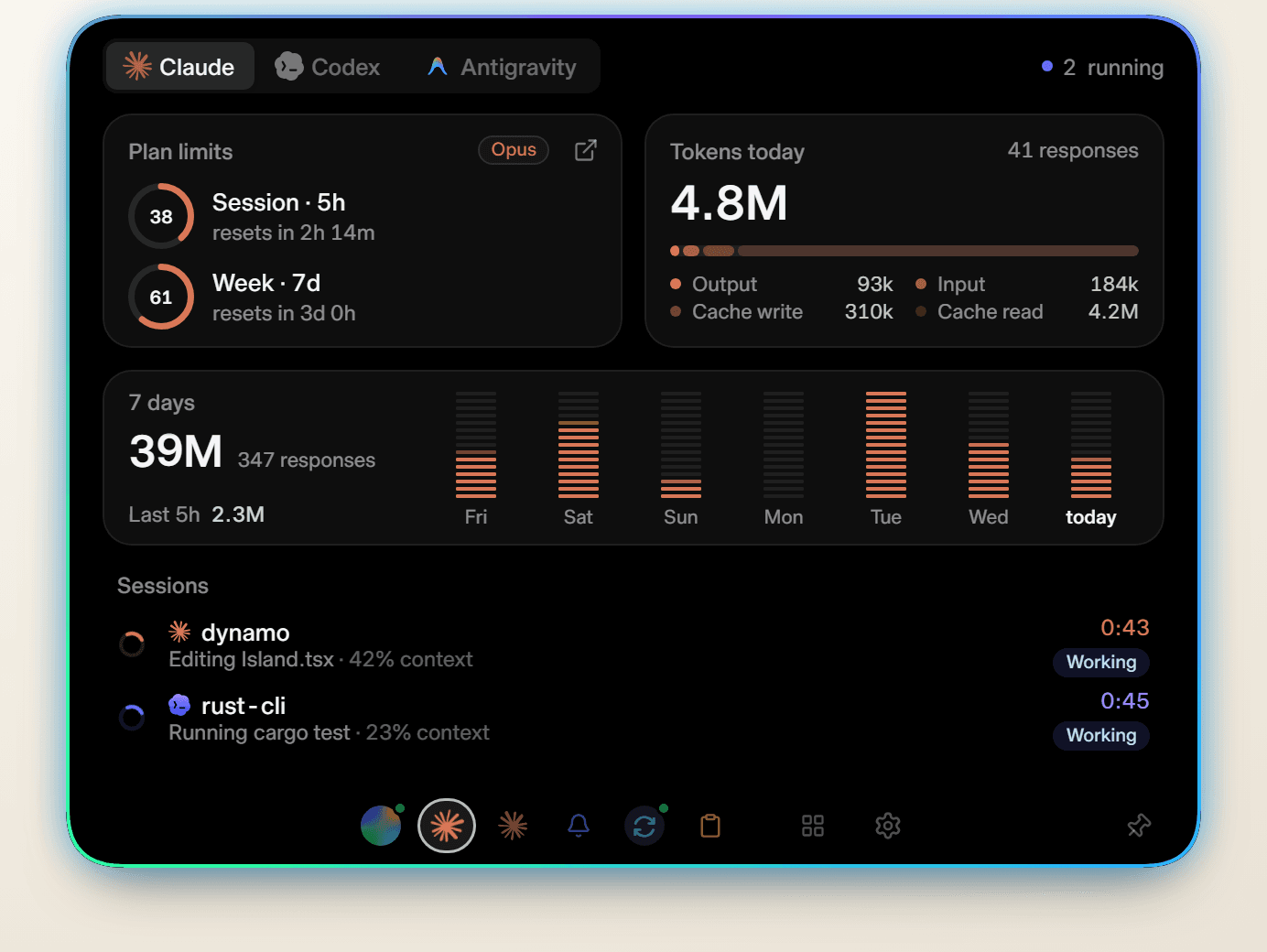
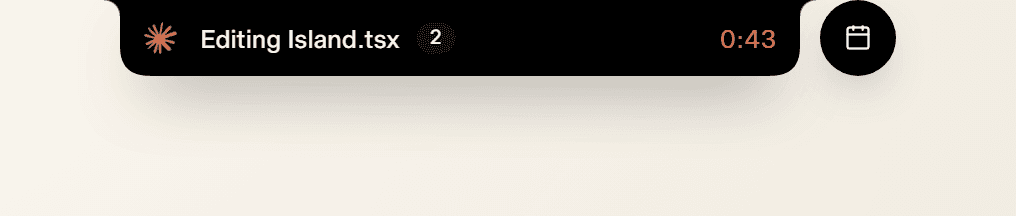
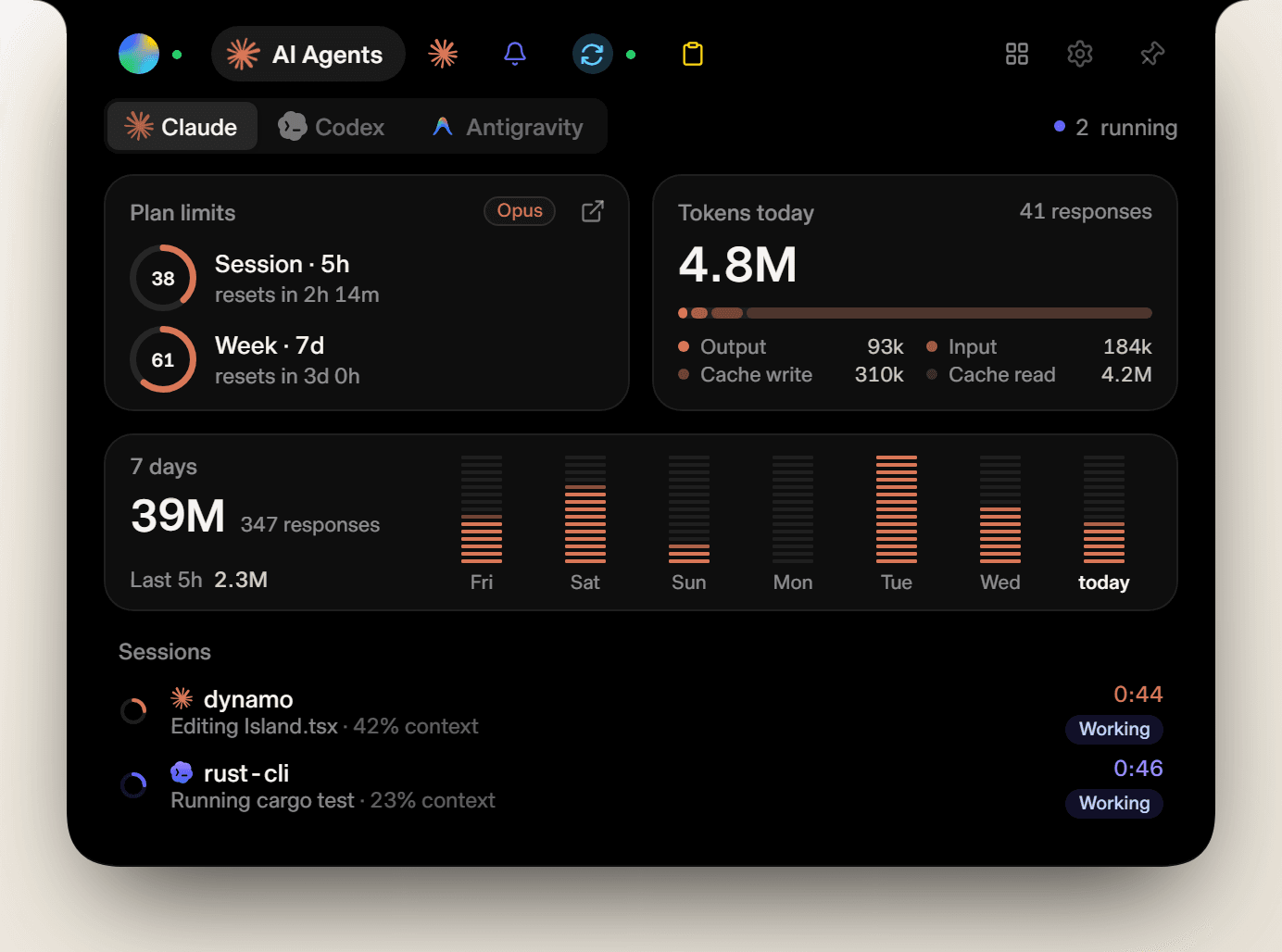
A terminal is a good place to read a command and a media player is a good place to browse an album. The awkward part comes after switching back to the editor. A stalled coding session looks much like one that’s still working, and checking costs a window switch either way. I wanted the desktop to show enough to tell the difference and let me act when something actually needed me.
Challenge
The island looks small, but its transparent window spans the monitor. A browser tab behind that window still has to accept a click. React measures the parts of the island that take input and sends their bounds to Rust, which makes the overlay interactive when the pointer enters one. Those bounds move as the island opens. Reading them immediately after each animation update forced the browser to calculate layout twice. I moved the measurement until after the frame rendered and limited updates to the native reader’s 25 ms interval. In the dev build, the work spent measuring one expansion fell from about 90 ms to 4 ms.
Architecture
Rust talks to Windows for media controls, notifications and screen text recognition. It also reads local agent sessions. Tauri connects those sources to React modules that share the island, so the same music session can supply a compact track title and an expanded player with seek controls. Scripts can publish activities over a localhost API. Plugins can add whole tabs through a sandbox with user-granted permissions. A static Astro site on Cloudflare hosts the tour and privacy policy. GitHub Releases supplies the Windows installer, portable build and signed updates.
Decisions
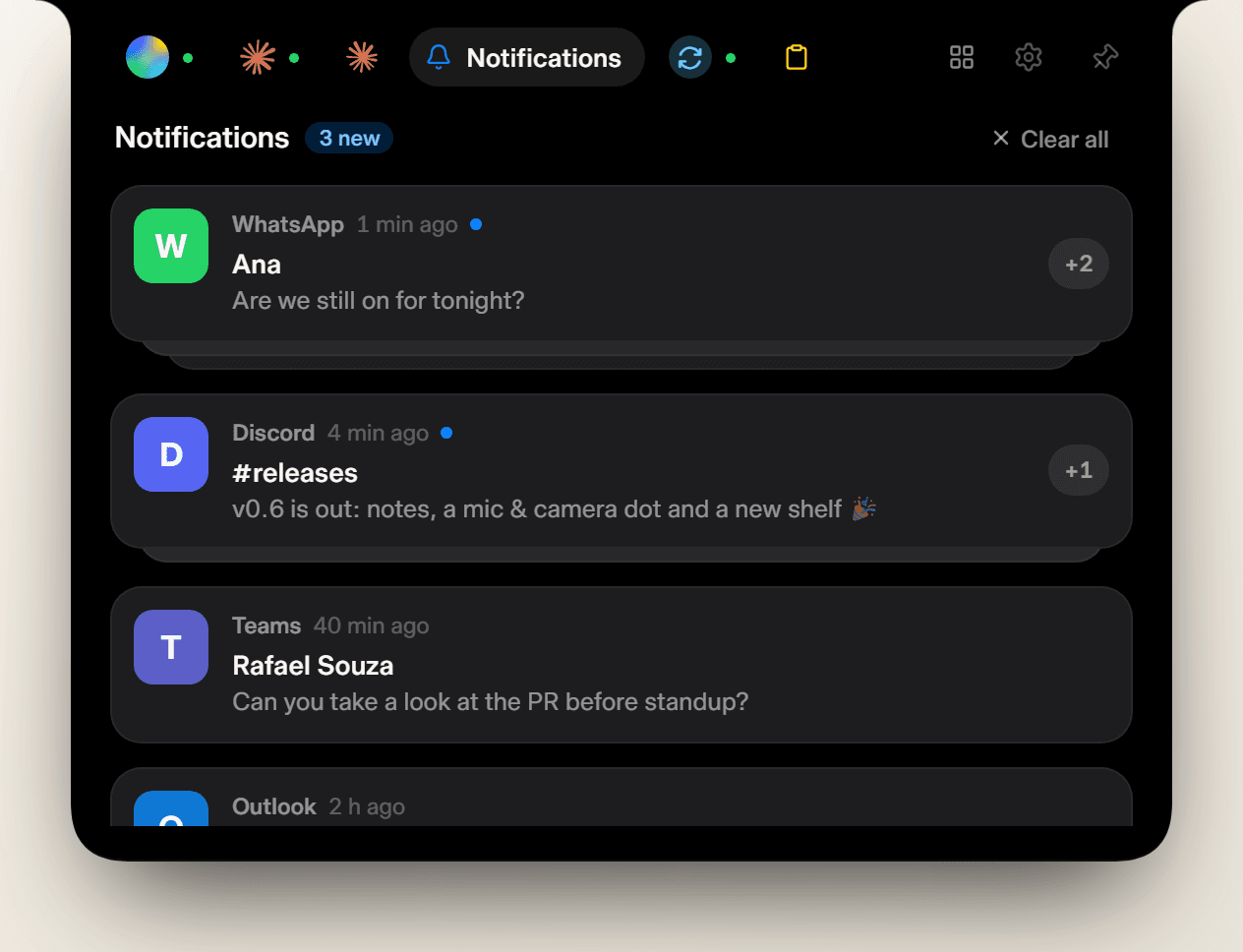
- Give short-lived and ongoing events different shapes. A new message gets a banner with an Open button. Earlier messages stack by app, so several messages from one conversation take up one place in the panel.
- Let people choose what earns space. A focus timer can count down in the closed island, while less frequent tools such as clipboard history or the calendar live in the launcher. Modules can be reordered, disabled or given a custom shortcut.
- Keep screen search local. Windows recognises text across the monitors when a search starts, including text inside an image. The user can step through the matches, and closing search clears the captured text from memory.
- Teach the gestures on the real island. The welcome tour waits for an actual hover and a global shortcut. It remembers the current step if enabling Windows notifications restarts the app.
What went wrong
On the floating pill, black corners stuck out past the gradient rim. Both layers had the same corner radius, so adjusting the radius moved the defect around. The body also used a superellipse, while the rim drew circular corners. Making the rim inherit the body’s corner shape brought the two outlines together.
Lessons
I’d test an overlay by clicking the application behind it as often as I click the overlay itself. A screenshot can tell me whether the island’s edge looks right. Only a working desktop can tell me whether the browser tab beside that edge still feels like mine.