Desktop App · 2026
FitsWise beats fit pro controls for windows
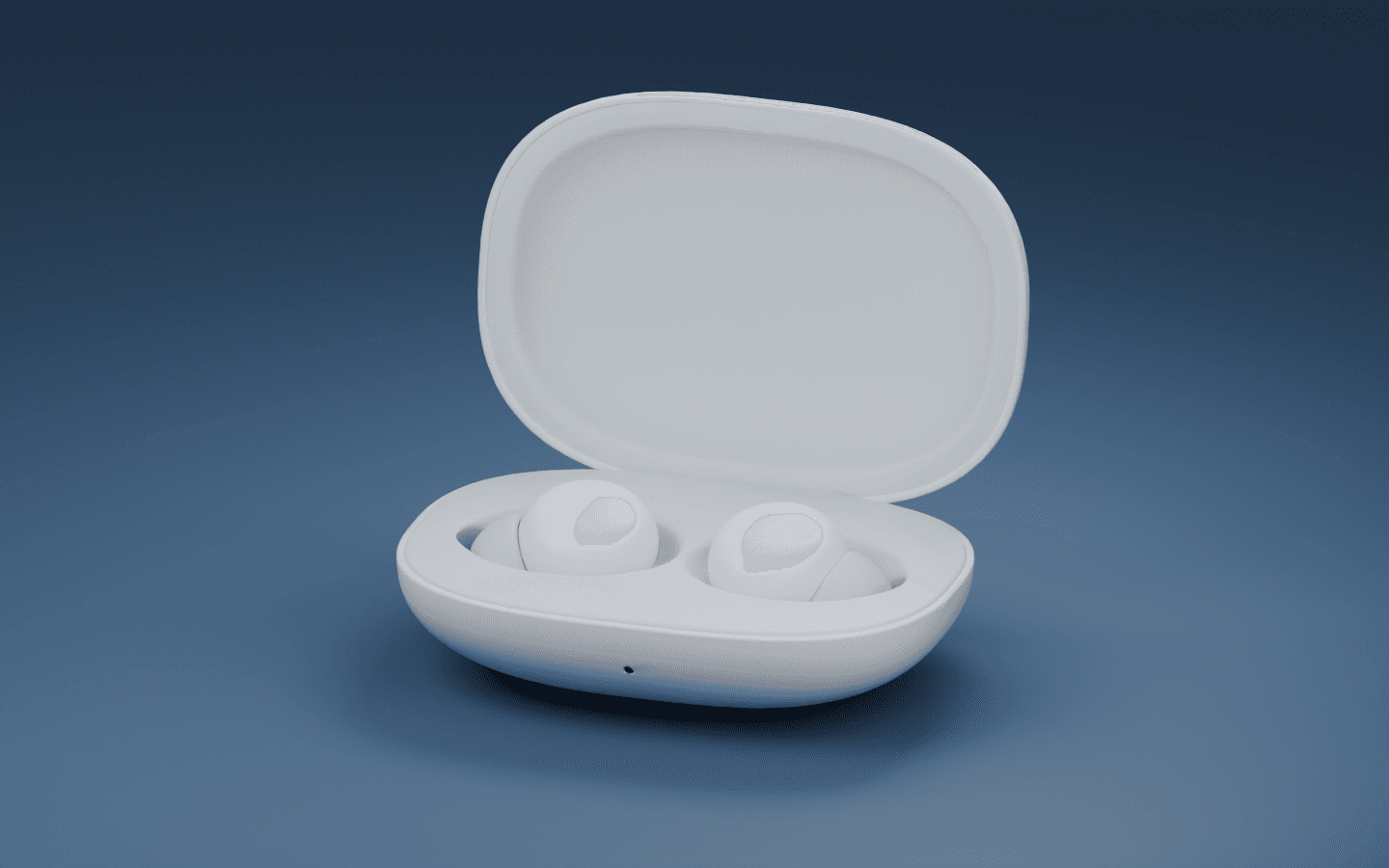
I built FitsWise so I could leave my phone on the desk when using my Beats Fit Pro with Windows. I can switch to transparency from the keyboard, see which bud is charging and put the controls away while the music keeps playing.
- Rust
- Tauri
- React
- TypeScript
- Three.js
- Vite
Problem
My laptop already played audio through the buds. My Redmi had the settings I wanted on the laptop. Reaching for the phone to change a setting meant dealing with which device had the connection. I wanted a Windows app that would wait until the laptop was using the buds, then give me their controls in the tray.
Challenge
The first Windows prototype could open a Bluetooth serial connection. The earbuds said nothing back. I recorded a short session with the official Beats app on Android and compared the messages with what my prototype sent. The phone was using the same serial channel. Once I understood its message format, I could read my own settings from Windows and hear the difference when I changed noise modes. Getting a response was easier than drawing the right conclusion from it. With both buds in the open case, the right battery sometimes disappeared. Lifting it out made the percentage return. The parser was reading the final five bytes of the report as another battery entry. Those bytes described the case and the positions of the buds. Reading the two kinds of data separately fixed the missing percentage and gave the 3D view a reliable way to tell left from right.
Architecture
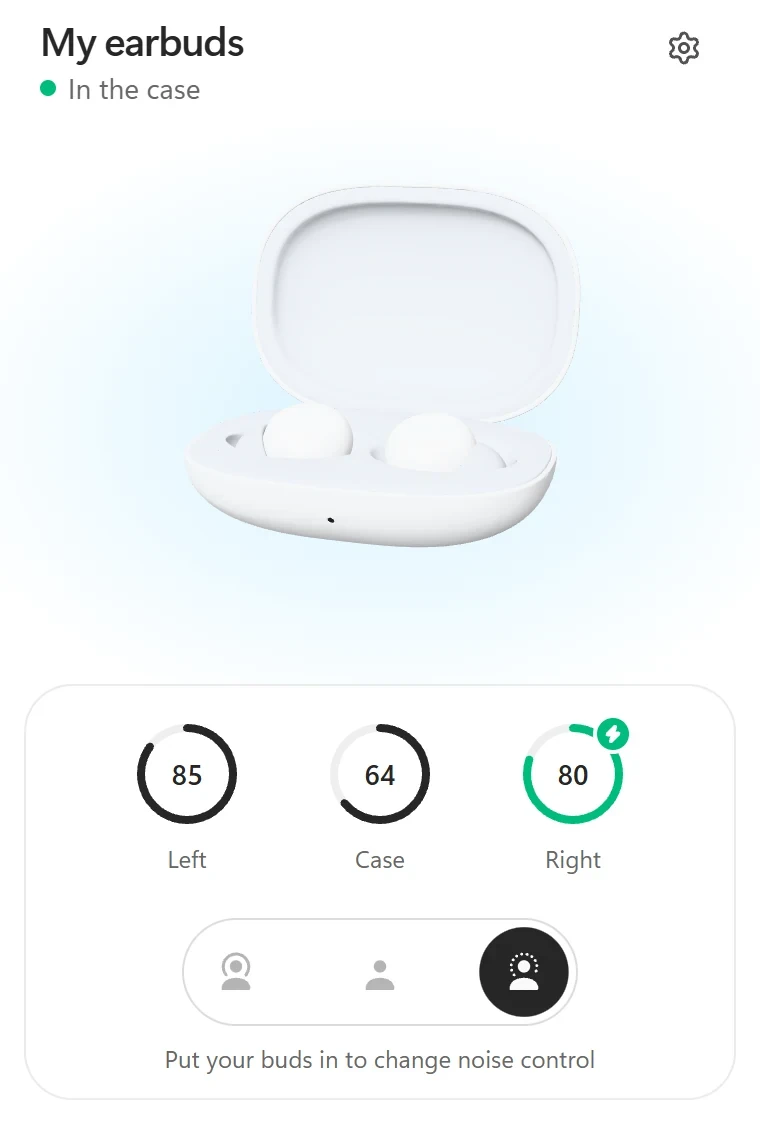
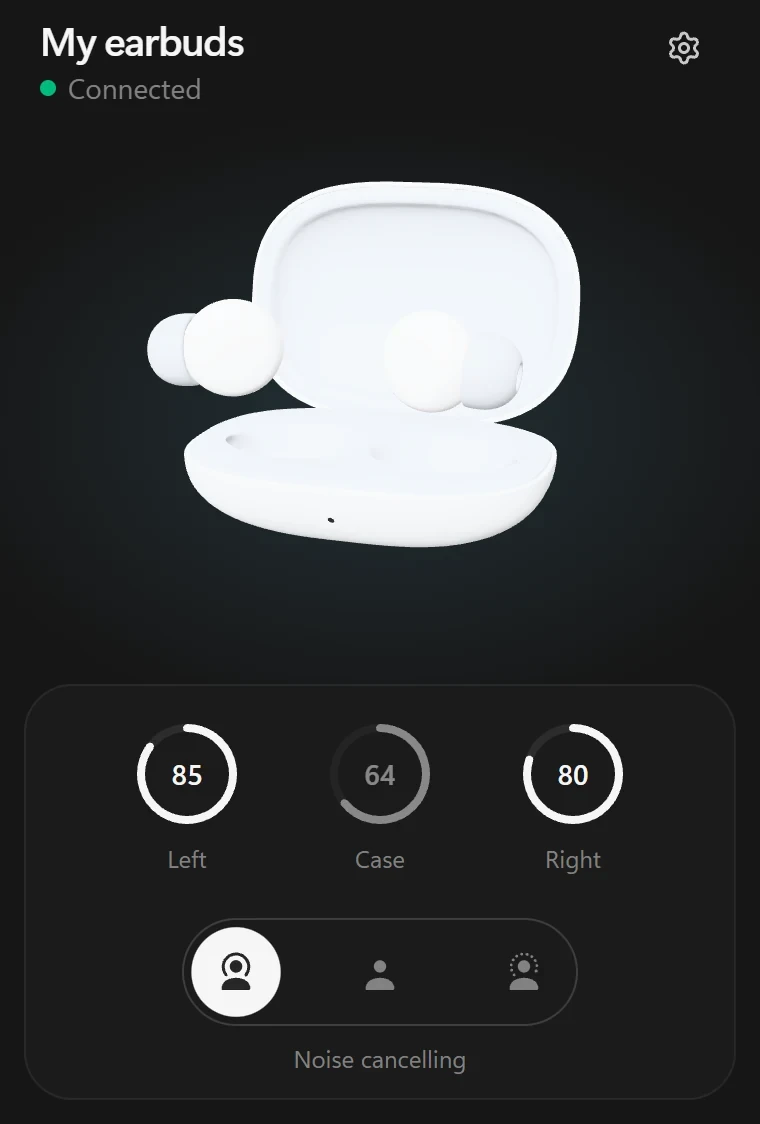
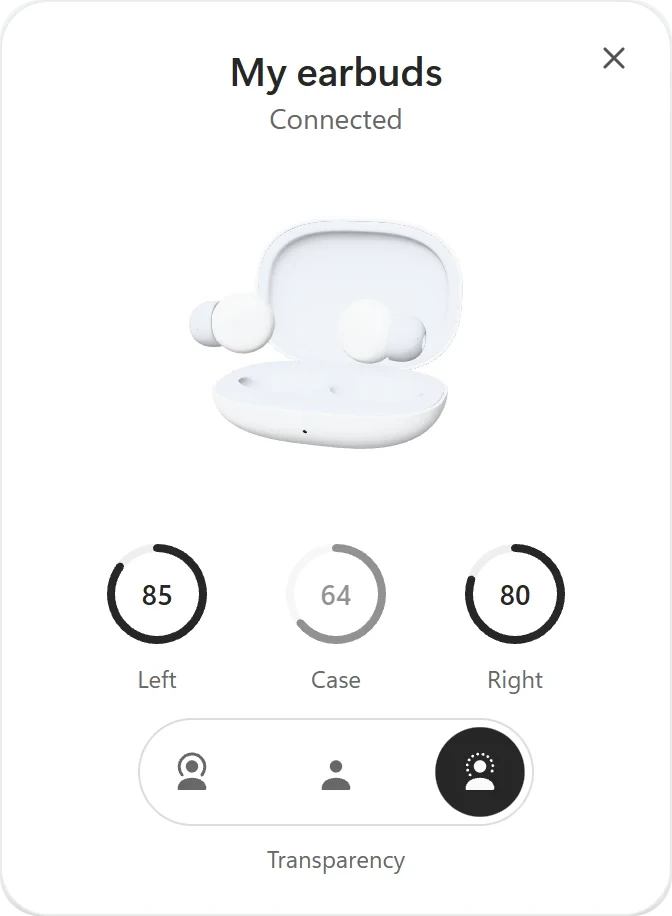
Rust watches the Windows audio connection and owns the Bluetooth link. It decodes reports into one shared device state. Tauri makes that state available to the React main window and connection popup. The tray and keyboard shortcuts use the same controller, so switching modes from the keyboard also updates the window. Three.js uses the reported positions to animate the case and each bud. The windows are created when needed and destroyed when dismissed. The controller keeps running in the tray. On my development laptop, an early release build with the windows closed used about 6 MB of private memory. That measurement covers the tray process while idle.
Decisions
- Let Windows choose the audio device. FitsWise opens its control link after Windows reports the buds connected for audio. That let me leave the utility running while switching devices.
- Keep the main screen small. Battery levels and the three noise modes sit together. Press-and-hold actions, ear detection, renaming and startup preferences live in Settings. The connection popup gives me a glance at the batteries without opening either screen.
- Give missing readings time to resolve. A seated bud can briefly report an unknown level while the other bud moves. The controller keeps the last good reading and asks again, so a missing sample doesn't flash as an empty battery.
- Ship a generic 3D model with the public app. I used a more detailed model during development. Both follow the same scene logic, and contributors can work on the public version without the private assets.
What went wrong
Closing the real case with a bud out made the virtual lid pass through the bud for a few frames. Each object ended up in the right place. The problem was what happened on the way there. I changed the order of the motion. The lifted buds move sideways first, the lid closes, then the whole case shrinks out of view before the buds settle side by side. If one is still in the closed case, that side appears in grey.
Lessons
I started by keeping notes on which messages the earbuds answered. The more useful notes turned out to be physical ones, like “left lifted, right still charging.” They caught bugs a successful exchange could hide. I can now remove either bud, close the lid and tell from a glance which side is still in use. That's the sequence I'd use to demonstrate the project.